Quick answer
VidMate may detect some public TikTok video links on Android, but detection is not permission to copy or republish a post. Use a clean, verifiable VidMate source, save only your own content or media you are allowed to keep, and stop when privacy controls, a login wall, or an unclear source blocks the workflow. This guide does not invent a direct APK URL or promise that every TikTok link will work.
Start with a public link
Use your own post or a link whose creator has given permission. Private, friends-only, paid, and removed posts are not safe targets.
Choose practical quality
720p is often enough for a phone. Larger files consume more storage and cannot restore detail that TikTok already compressed.
Before you try a VidMate TikTok video download
The phrase VidMate TikTok video download describes a narrow Android task: someone has found a TikTok video and wants an offline copy. It is different from downloading the VidMate APK, installing VidMate on a TV, or using a generic web downloader. Keeping the boundary clear helps you choose the right source, format, and safety checks.
First decide whether you are allowed to save the media. Your own uploads, a creator's direct permission, public-domain material, or a license that explicitly allows downloading are reasonable examples. A public TikTok URL does not automatically grant reuse rights. Do not treat private posts, friends-only videos, paid material, deleted posts, or login-only links as files a third-party app may freely copy.
How to download an allowed TikTok video with VidMate
VidMate screens can change between Android builds, so treat the labels below as a decision sequence rather than a promise about one button. If a link opens a login form, a redirect chain, or an unrelated installer, close it and return to the source. Never enter TikTok credentials into a third-party downloader page.
A good test uses one clearly identified public post. Confirm the account name, caption, duration, and visible watermark before selecting a format. If the post disappears or the creator changes its visibility, an old copied URL can stop working even when the address still looks valid.
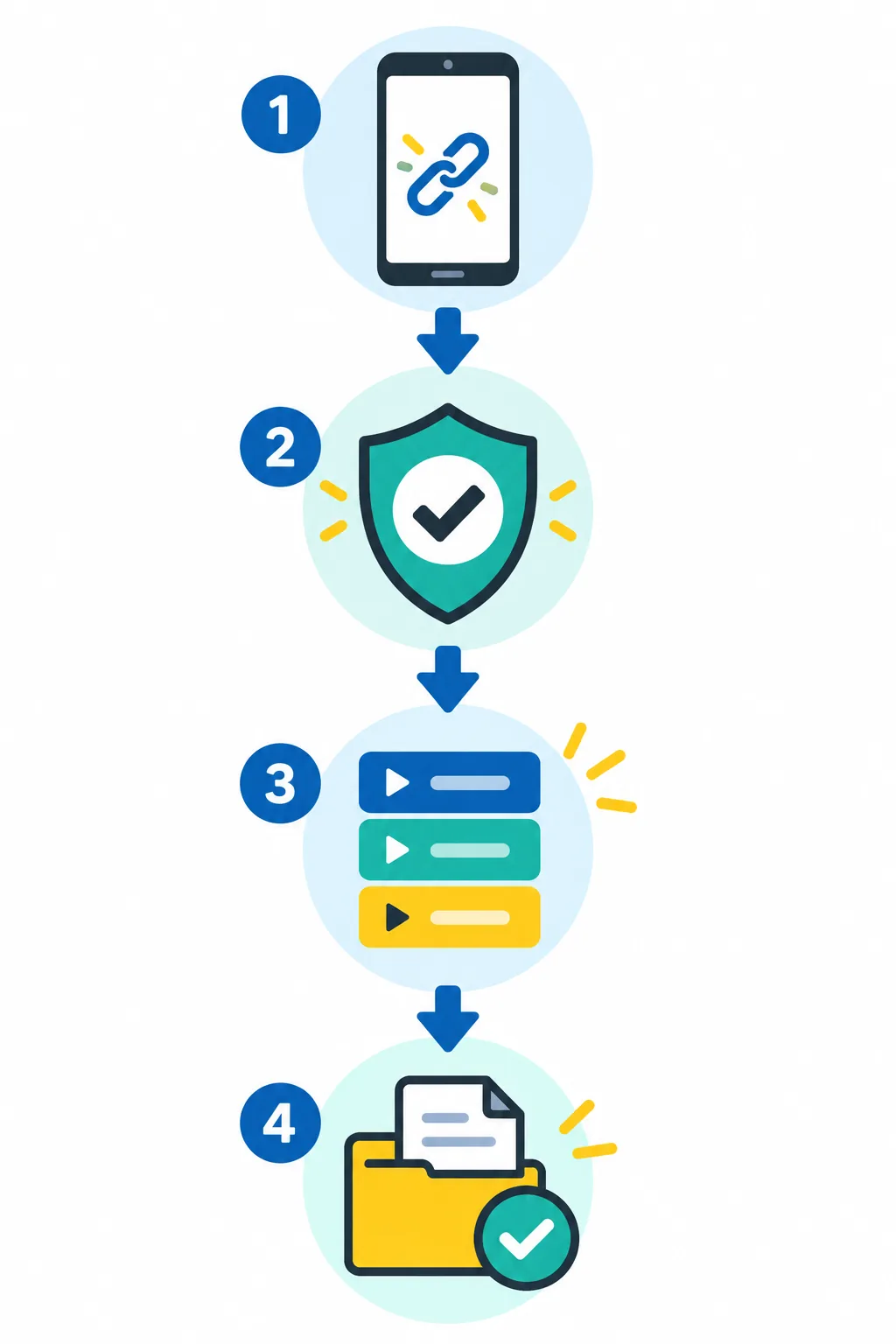
Open a permitted public post
Use your own video or a link whose creator has approved the copy. Check the account and post before leaving TikTok so you do not paste a misleading or shortened address.
Copy or share the TikTok link
Use TikTok's Share or Copy link action. Inspect the address for unexpected redirects and stop if a page asks for a password, payment, or unrelated permission.
Let VidMate detect the media
Paste or share the URL only in a clean VidMate build. Wait for the preview and compare the creator, thumbnail, and duration. If no format appears, do not install a MOD APK as a quick fix.
Choose a format and test the file
Select MP4 when you need video, wait for completion, then play the beginning, middle, and end. Remove incomplete or duplicate files so a failed link does not quietly consume storage.
Choose TikTok video quality without wasting storage
The largest option is not automatically the best TikTok download. Social platforms already compress many uploads, and a high-resolution label can describe an upscale rather than extra detail. Match the choice to the phone screen, the reason you are saving the clip, available storage, and the reliability of your Wi-Fi connection.
| Choice | Useful for | Trade-off |
|---|---|---|
| 480p MP4 | Quick reference, older phones, mobile data | Smaller file but softer details |
| 720p MP4 | Most Android phones and offline viewing | Best general balance when available |
| 1080p MP4 | Large screens or an approved edit | More storage, time, and source dependence |
| Audio extraction | Your own clip or a licensed audio use | Separate rights and possible loss of context |
Check the VidMate source and version before using it
This is an independent guide, and VidMate is not a TikTok product. Version numbers and download addresses can change. The official VidMate pages could not be fetched from this environment when the article was checked, so this page does not label a number as the latest, publish a guessed file size, or present an unverified APK URL as a direct download.
- Open the official or clearly identified VidMate source page before installing.
- Compare version, package identity, Android requirement, and installer details.
- Keep Google Play Protect enabled and review permissions during installation.
- Avoid MOD or repackaged APKs offered as a fix for one blocked TikTok link.
Why a TikTok video download may fail
A failed VidMate TikTok download does not have one universal cause. The post may be private, friends-only, age-restricted, region-limited, deleted, live-only, or delivered through a format the current app cannot parse. TikTok can also change its delivery system, so a link that worked last month may not produce the same formats today.
Test one permitted public video before changing several settings at once. Confirm that the link opens normally in TikTok, switch to a stable Wi-Fi network, check available storage, and retry from a verified app build. If the preview belongs to another account or the page shows a login wall, discard the link rather than trying to bypass the restriction.
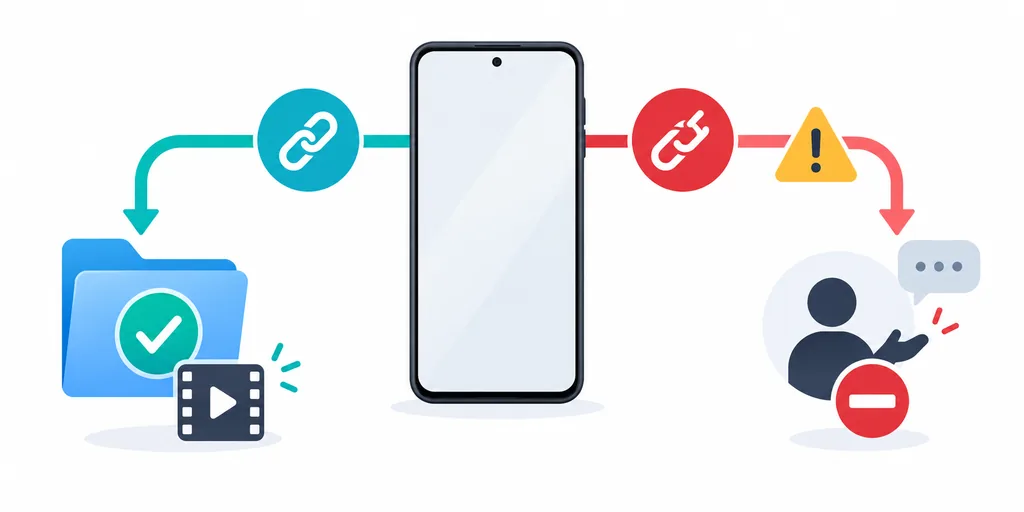
- Confirm the post is public, available, and owned by the expected account.
- Check Wi-Fi, free storage, Android permissions, and the file destination.
- Try a second allowed public video to separate a source issue from an app issue.
- Delete partial files and check duration, audio, and playback before sharing.
Privacy, copyright, and sharing limits
A downloaded TikTok file can contain a person's face, voice, location, username, or private surroundings. Keep copies private unless the creator or license clearly allows sharing. Do not remove attribution, repost a watermark-free copy, sell the file, or upload it to another platform simply because VidMate produced a playable MP4.
For work, school, publishing, or commercial use, keep written permission and the original post URL. Explain where the file will appear, whether it will be edited, and how long it will be retained. If the creator asks you to remove a copy, treat that request seriously and delete local duplicates, cloud backups, and shared exports where practical.
TikTok download versus other VidMate guides
A TikTok post is usually a short, vertical, account-controlled video with a visible watermark or caption. A YouTube video may involve longer playback and different quality choices; a Facebook or Instagram post may use different privacy settings; a WhatsApp Status can expire before a copy is made. Similar buttons do not make these identical search tasks.
| Task | Main decision | Best matching page | Keep separate from |
|---|---|---|---|
| TikTok video | Can I keep this public short video with permission? | This TikTok guide | Generic APK or MOD searches |
| YouTube video | Which supported quality and format fit the source? | VidMate YouTube guide | Private TikTok extraction |
| Facebook or Instagram video | What does the platform link and audience allow? | The matching platform guide | Cross-platform password requests |
| VidMate installation | Which source, version, and permissions should I verify? | Current APK and safety guides | One missing TikTok format |
Edge cases worth checking before you retry
A TikTok Live recording, a slideshow, a duet, and a video with licensed music may expose different formats. A slideshow can arrive as images rather than one MP4, while a live or age-restricted post may require an account context that a third-party app should not receive. The absence of a download button is a meaningful state, not an invitation to bypass the platform.
Official rules and safety references
Use first-party references to check platform responsibilities, Android scanning, and the current VidMate source before you download or share a file.
Related VidMate guides
VidMate TikTok video download FAQ
Use VidMate for TikTok only when the link, rights, and source all check out
A careful VidMate TikTok video download workflow is short: verify the public source, confirm permission, choose a practical format, test the saved file, and stop at privacy or login boundaries. If the app itself needs an installation or safety check, return to the site's current APK guides rather than using a random mirror.
Review the current VidMate APK guide