Quick answer
VidMate may detect some public Instagram video links on Android, but detection is not a permission to copy or redistribute the post. Use a clean, verifiable VidMate APK, save only your own content or media you are allowed to keep, and stop when Instagram privacy controls, a login wall, or an unclear source blocks the workflow. This page does not provide a guessed APK URL or claim that every Instagram video will work.
Start with a public link
Use a post you own or have permission to save. Private accounts, close-friends posts, and login-only links are not safe targets.
Choose a practical quality
720p is often enough for a phone. Higher resolutions need more storage and a steadier connection, and the source may be lower quality.
Before you try a VidMate Instagram video download
The phrase VidMate Instagram video download usually describes a narrow Android task: a person has found an Instagram reel or video and wants an offline copy. It is different from the broad VidMate APK download intent and from a generic Instagram downloader site. Keeping the boundary clear helps you choose the right source, format, and safety checks.
First decide whether you are allowed to save the media. Your own posts, a creator's direct permission, public-domain material, or a license that explicitly allows downloading are reasonable examples. A public URL does not automatically grant reuse rights. Do not treat private posts, close-friends stories, paid content, deleted posts, or login-only links as files that a third-party app may freely copy.
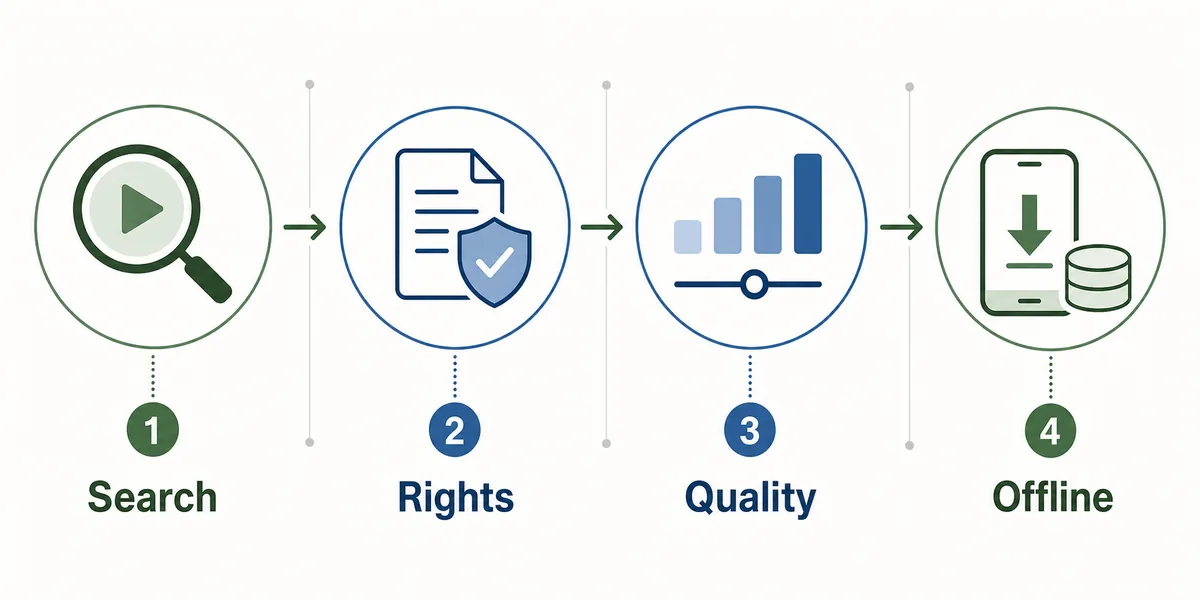
How to download an allowed Instagram video with VidMate
VidMate screens can change between Android builds, so treat the labels below as a decision sequence rather than a promise about one button. If a link opens a login form, a redirect chain, or an unrelated installer, close it and return to the source. Never enter Instagram credentials into a third-party downloader page.
A good test uses one clearly identified public post. Confirm the account name, caption, and video length before selecting a format. If the post disappears or the creator changes its visibility, a previously copied URL can stop working even when the address looks valid.
Open a permitted public post
Use your own post or a link whose creator has given you permission. Avoid private, close-friends, paid, deleted, or login-only media.
Copy or share the post link
Use Instagram's share or copy-link action. Check that the address stays on the expected post and does not ask for credentials.
Let VidMate detect the media
Paste or share the URL only in a clean VidMate build. If no format appears, do not install a MOD APK or disable Android protections.
Choose a format and test the file
Select MP4 when you need video, wait for completion, then play the file and remove any incomplete copy.
Choose Instagram video quality without wasting storage
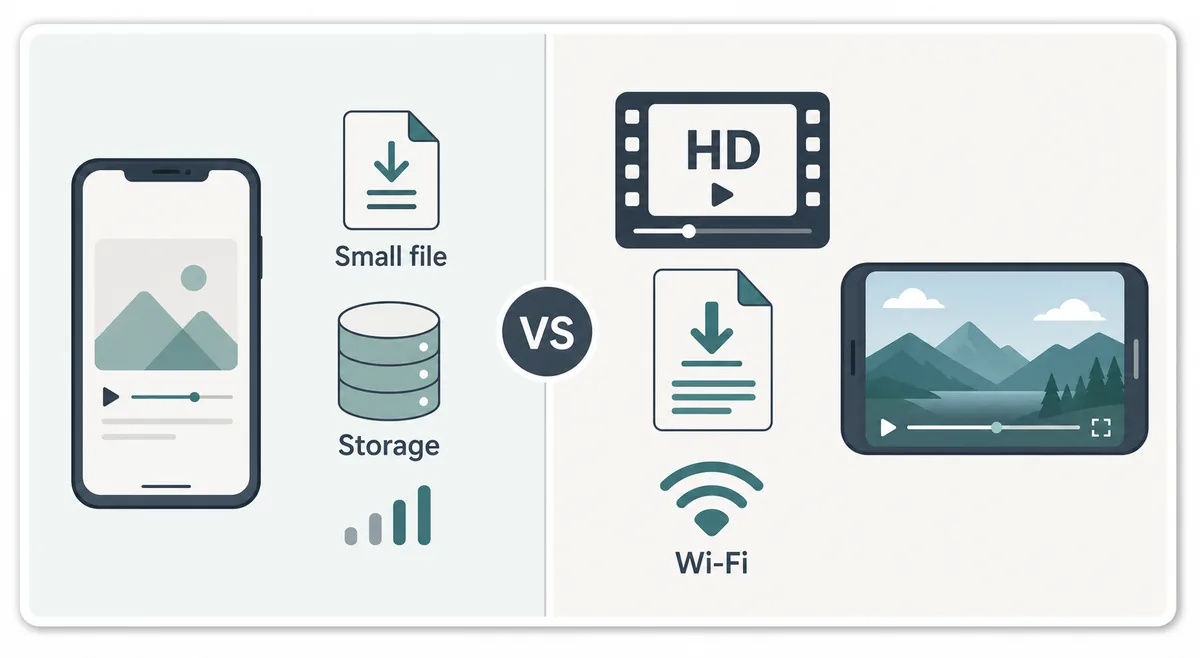
The largest option is not automatically the best Instagram download. Many social posts are already compressed, and a high-resolution label can describe an upscale rather than extra detail. Match the choice to the phone screen, the reason you are saving the clip, your available storage, and the reliability of the Wi-Fi connection.
For a normal phone, 720p MP4 is a useful starting point when it is offered. Choose 480p for a quick reference or limited data plan, and reserve 1080p for a larger display or an approved edit where the source actually contains that detail. If the source is a short reel with text overlays, check the result at full screen before deciding that a bigger file is better.
| Choice | Useful when | Boundary |
|---|---|---|
| 360p | Quick reference or very limited storage | Text and fine detail may be hard to read |
| 480p | Older phones or mobile data | Smaller file, but less clarity on a large screen |
| 720p | Most phone viewing | Good balance when the source offers real HD detail |
| 1080p | Tablet, TV, or approved editing | Needs more storage and stable Wi-Fi |
Check the VidMate APK source and version before opening links
Instagram support is only one part of the decision. The APK that handles the link must also be identifiable. The last repository record checked VidMate v6.0229 on July 30, 2026, with the source page listing July 21, 2026 as its update date and no official file size. On September 28, 2026, independent requests to the known VidMate pages returned HTTP 403, so this page does not call v6.0229 the definite latest build and does not invent a direct file URL.
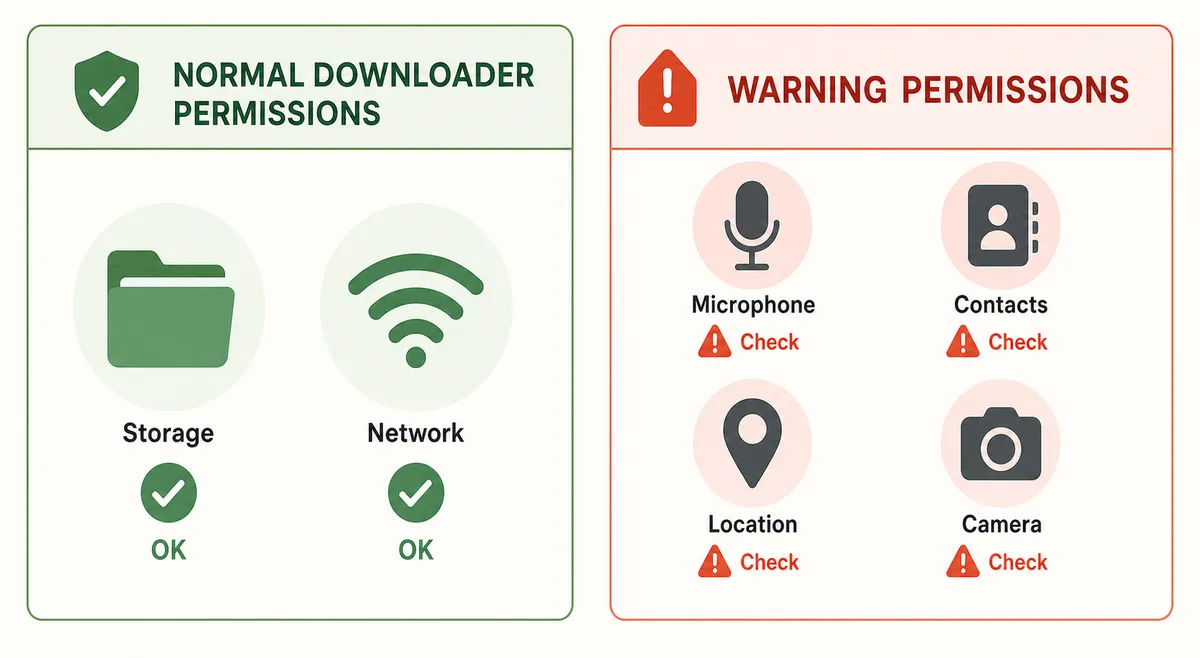
When a source page is readable, compare its domain, version context, package identity, file type, and permissions with the Android installer. A higher number on a mirror is not proof of a newer official release. A button that rotates through notifications, asks for an Instagram password, or requests contacts, accessibility control, or device administration is a reason to stop.
- Record the source URL and the date you checked it.
- Compare the displayed version, package identity, file type, and installer name.
- Treat an unpublished file size as unknown instead of copying a mirror's estimate.
- Keep Play Protect enabled and cancel when unrelated permissions appear.
Why VidMate may not download an Instagram video
A missing download option does not automatically mean the APK is broken. Instagram can change its page structure, restrict a post, remove the media, require a login, or serve a format that a particular VidMate build cannot parse. Test one clearly public, permitted post before changing anything else.
If the link opens but the format list stays empty, check that you copied the post URL rather than a profile, music, or tracking link. If the download starts and stops, use stable Wi-Fi, keep enough free storage, turn off aggressive battery restrictions for the session, and remove failed partial files. If only one post fails while another permitted post works, the boundary is probably the post or its visibility.
| Symptom | Likely boundary | Safer next step |
|---|---|---|
| No format appears | Private, login-only, removed, or unsupported post | Test one allowed public post and stop if the restriction remains |
| Download stops | Weak network, low storage, or background limits | Use Wi-Fi, free storage, and one retry |
| Video has no sound | Source audio or format issue | Play the original and choose a permitted video format |
| Redirect asks for password | Untrusted downloader page | Close it and never submit Instagram credentials |
Privacy, copyright, and responsible sharing
Saving a file creates a second copy of a person's image, voice, or location context. Keep approved downloads private unless the creator or license clearly allows sharing. Do not remove watermarks, crop out credit, or repost a reel commercially just because the file can be saved.
For work, school, or client projects, keep the original post URL, the permission message, and any license terms with the file. If the post contains another person's face, a private setting, or identifiable location details, consider whether an offline copy creates a new privacy risk even when the post was visible to you.
| Situation | Better choice | Avoid |
|---|---|---|
| Your own reel | Keep a backup or approved edit | Sharing collaborators' footage without agreement |
| Creator gave written permission | Save the file with the permission record | Removing credit or changing the agreed use |
| Public post with unclear rights | Use Instagram Save or ask first | Treating public visibility as a download license |
| Private, paid, or close-friends post | Keep it inside the permitted viewing route | Using a downloader to bypass access |
Official rules and safety references
These links support the privacy, platform, source, and Android safety boundaries in this guide. They do not turn an unavailable APK endpoint into a verified direct file.
Related VidMate guides
VidMate Instagram download FAQ
Save the link only when the source and permission are clear
A careful VidMate Instagram video download starts with a permitted public post, continues through a verified APK and practical quality choice, and stops at privacy, login, or source mismatches. When a local file is unnecessary, Instagram's own Save feature is the safer fallback.
Check the current VidMate source page