Quick answer
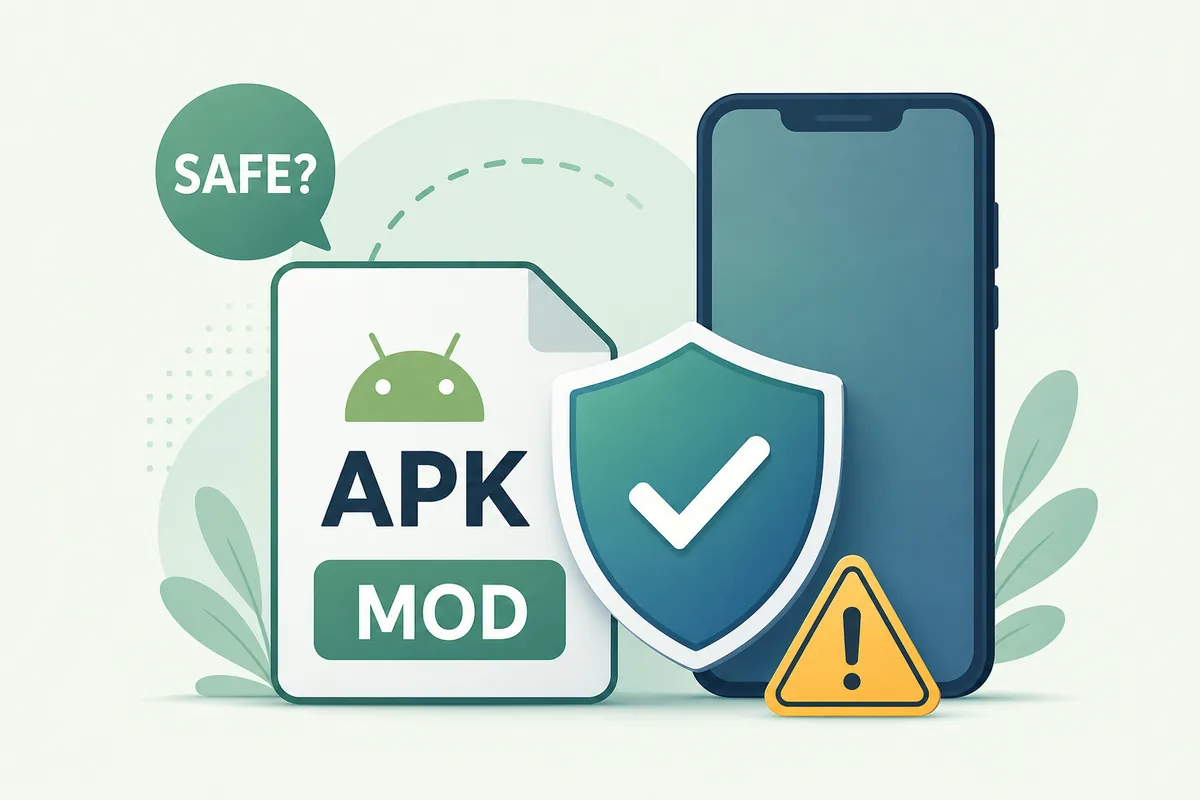
A VidMate MOD APK should be treated as higher risk than a normal VidMate APK because the file may have been changed after release. Claims such as no ads, premium unlocked, cracked, patched, or unlimited features often mean you cannot verify the original code, update path, permissions, or installer behavior. If you only want VidMate for normal downloading, choose a clean APK source and use the safety checklist instead of a modified build.
MOD means altered
A modified APK can change app behavior even when the icon and version label look familiar.
No-ads claims are not proof
Removing ads can involve code changes, repackaging, extra trackers, or broken updates.
Use a safer path
Verify source, file identity, Android warnings, and permissions before any install.
What does VidMate MOD APK usually mean?
A VidMate MOD APK is usually presented as a changed version of the normal Android package. Pages may describe it as no ads, premium unlocked, patched, cracked, unlimited, or faster than the standard APK. Those phrases are attractive, but they also tell you the file may not be the same package the original developer released.
The key issue is verification. With a clean APK, you can compare the source page, version label, file size, installer name, and Android permission prompt. With a modified APK, those signals can be less reliable because someone may have edited the package, changed resources, replaced signatures, or inserted extra code.
This page does not provide MOD downloads. Its purpose is to help you decide whether a MOD claim is worth the risk and how to choose a safer path when your real goal is simply to install VidMate on Android.
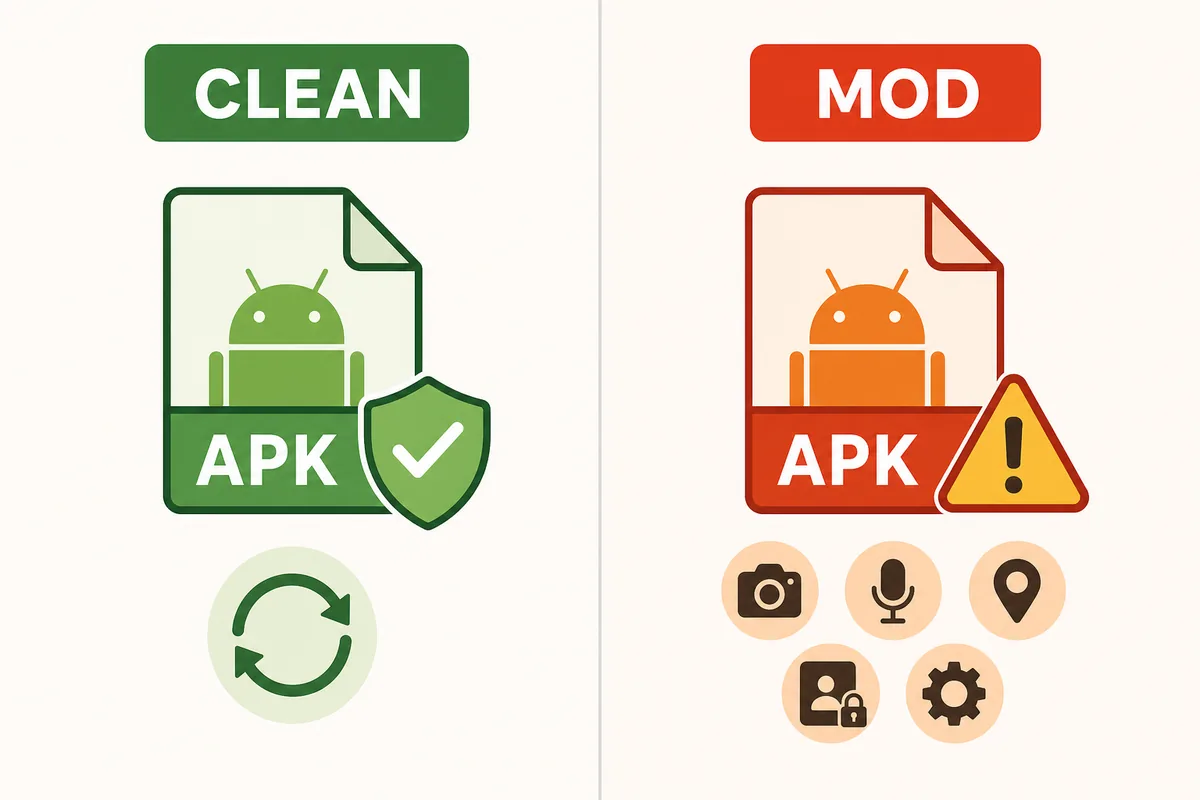
Clean VidMate APK vs VidMate MOD APK
A clean APK and a modified APK can look similar in search results, but the safety boundary is different. A clean APK should keep the expected app identity and update behavior. A MOD APK may change code, disable ads, unlock features, alter package metadata, or request permissions that are not easy to explain.
That difference matters because Android trust is layered. You are not only trusting the app name; you are trusting the page that distributed the file, the person who repacked it, and every change made before it reached your phone.
| Decision point | Clean VidMate APK | VidMate MOD APK | Action |
|---|---|---|---|
| File identity | Version, size, and installer label should match the source page | Labels can be changed after repackaging | Compare before installing |
| Update path | Future updates are easier to reason about | Updates may fail or come from unrelated mirrors | Avoid if you need predictable updates |
| Permissions | Downloader permissions should match visible features | Extra permissions may be added or hidden behind claims | Deny or uninstall if requests feel unrelated |
| No-ads promise | Ads or prompts are part of the normal app behavior | Ad removal may require code changes | Do not treat no-ads as a safety benefit |
Red flags on VidMate no ads and premium APK pages
Most risky APK pages use the same pattern: a strong benefit claim first, then a download button before any file details. If a page promises premium unlocked, no ads free, cracked, patched, or anti-ban features but does not explain version identity and source, the risk is not worth the convenience.
Also watch for misleading compatibility claims. A MOD page may target Android users who only need the latest APK, an old version, a PC emulator guide, or an iPhone answer. When the page tries to satisfy every intent with one modified file, it is usually a poor match for your actual problem.
- Avoid pages that say you must disable Play Protect or all antivirus checks.
- Avoid APK bundles that install a downloader, cleaner, VPN, or unrelated app before VidMate.
- Avoid files where the package name, installer label, version, or size does not match the page.
- Avoid claims that an Android APK can directly install on iPhone or replace App Store apps.
- Avoid comment sections or mirrors that report crashes, aggressive ads, or unexpected permission prompts.
A safer decision flow before installing anything
Use the same four checks for every APK: source, file identity, scan signal, and permission review. If any one step fails, do not compensate by trusting another mirror. Go back to the page that matches your real intent.
For example, if you searched for VidMate MOD APK because the current build has ads, the safer decision is not automatically a no-ads APK. It may be to use the current clean APK, adjust Android notification settings, or choose another legitimate downloader workflow. If you searched because the latest build does not work on your device, the old-version guide is a cleaner fit than a MOD package.
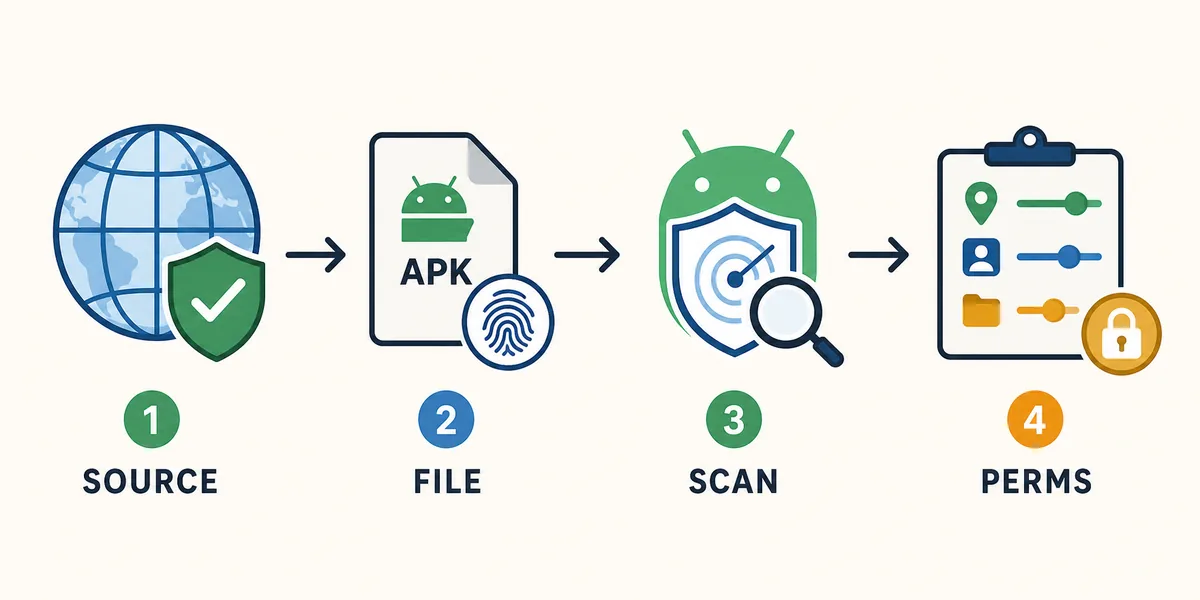
Check the source
The page should explain version, file size, Android requirement, and why this APK is offered.
Check the file identity
The filename, installer label, package behavior, and page description should agree.
Respect Android warnings
Keep Play Protect and browser security warnings enabled, especially for modified APK claims.
Review permissions slowly
Downloader-related permissions are easier to justify than contacts, SMS, accessibility, or device-admin access.
Better alternatives to VidMate MOD APK
The best alternative depends on why you searched for a MOD in the first place. If you want the current app, use the main APK page. If you saw similar apps in Google Play, use the Play Store guide. If you need a rollback for an older device, use the old-version guide. If a specific version number such as 5.3602 matters, use the version guide instead of a random patched file.
Keeping these paths separate prevents two common mistakes: installing a modified file when a clean APK would work, and using a random old build when your real question is platform compatibility or safety.
| Your real need | Better page to use | Why it is safer |
|---|---|---|
| Install the current Android APK | VidMate APK download page | Starts from the normal latest-version intent |
| Cannot find VidMate in Google Play | VidMate APK Play Store guide | Explains store confusion and sideload checks |
| Need a rollback on an old phone | VidMate APK old version guide | Keeps compatibility separate from MOD claims |
| Need the 5.3602 build | VidMate 5.3602 guide | Focuses on version identity and install checks |
| Unsure whether VidMate is safe | Is VidMate Safe guide | Reviews permissions, source trust, and warnings |
What to do if you already installed a VidMate MOD APK
If you already installed a modified APK and something feels wrong, reduce risk first. Disconnect from the file source, stop granting new permissions, review app permissions in Android settings, and uninstall the app if you see unexpected behavior. Then scan the device with Play Protect or your preferred mobile security tool.
Do not install another random MOD immediately after uninstalling. That usually repeats the same risk. Recheck your goal, choose the matching guide on this site, and use a clean APK path only if the source and Android warnings make sense.
- Review and revoke unusual permissions in Android settings.
- Uninstall the modified app if it shows aggressive ads, unknown notifications, or unexplained prompts.
- Run Play Protect or another trusted mobile security scan.
- Clear downloaded APK files from unknown mirrors after uninstalling.
- Reinstall only from a source that provides clear version and file details.
Authoritative safety references
These official Android and Google references explain app scanning and unknown-source installation controls.
Related VidMate safety paths
VidMate MOD APK FAQ
Summary
VidMate MOD APK searches often lead to no-ads, premium, cracked, or patched claims. Those claims are exactly why the file deserves extra caution. A safer install path starts with a clean source, consistent file identity, active Android scanning, and permissions that match a video downloader.
Use the clean APK path