Quick answer
VidMate may save some public Facebook videos on Android when it can detect a supported link. Use it only for videos you own or have permission to download. Verify the APK source, keep Play Protect enabled, and do not expect private, paid, live, or restricted videos to work.
Best starting point
Use a public video link or the share action. Private posts and restricted groups are poor candidates.
Current app check
The official VidMate page showed version 6.0229, updated July 21, 2026, when checked for this guide.
Important boundary
A technically accessible video is not automatically licensed for reuse or republication.
Before using VidMate with a Facebook video
Start with the rights question, not the download button. Your own upload, a creator-approved file, public-domain footage, or a video with an explicit download license is a reasonable use case. Do not treat private, paid, group-only, or friends-only posts as downloadable just because a link is visible.
Facebook Save is often enough when you only need to find a post later. Keep a local file only when you have permission and a legitimate offline need.
How to download an allowed Facebook video with VidMate
The interface can change, but the workflow is usually link, detect, choose, and verify. If Facebook does not provide a public share link, stop rather than trying to bypass the restriction.
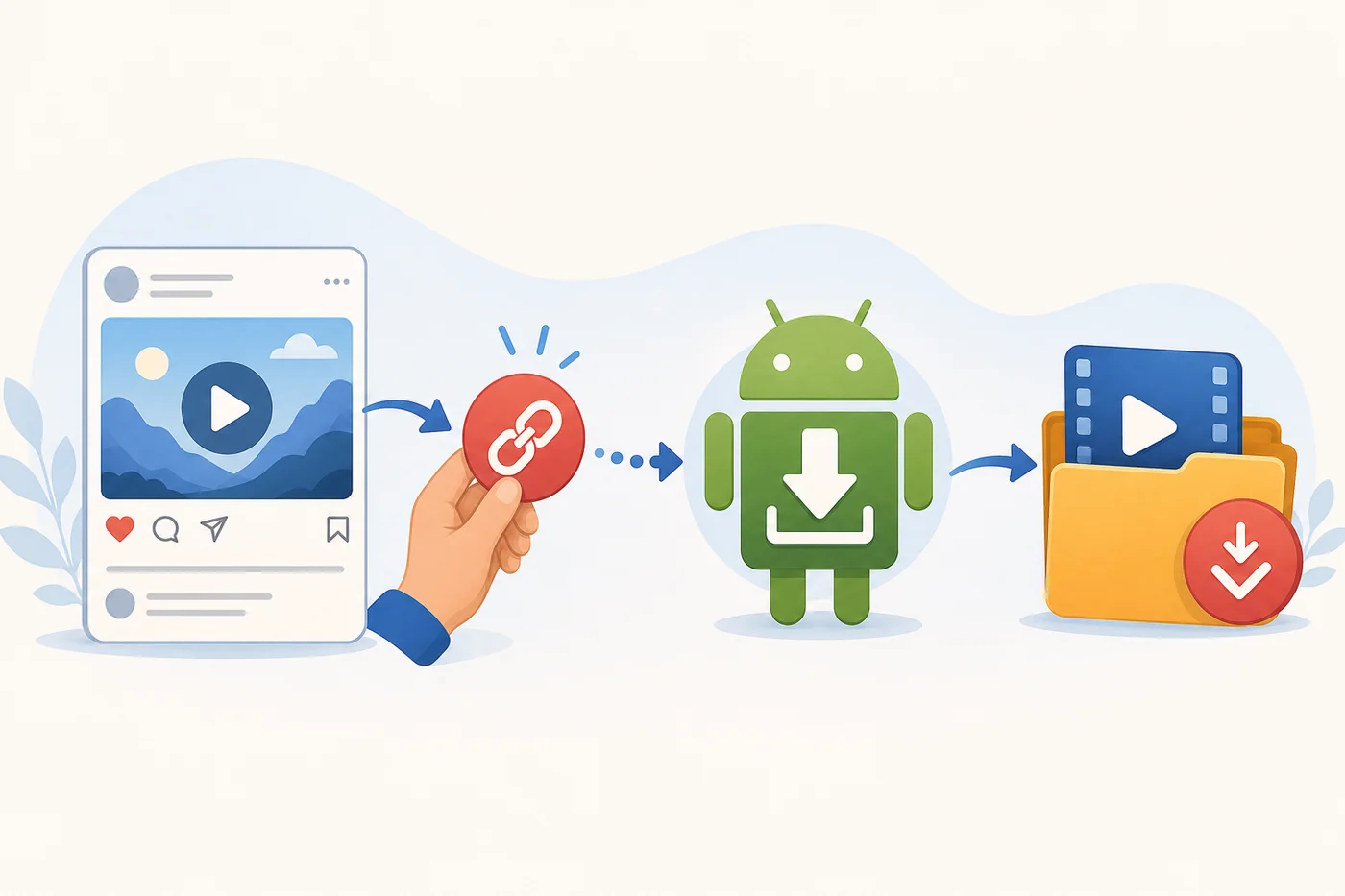
Open the permitted video
Use a public post that you own or are allowed to save and confirm it plays normally.
Copy or share the link
Use Facebook's Share menu to copy the public link. Avoid suspicious redirects and login pages.
Open the link in VidMate
Paste the link or use Android sharing, then wait for supported formats to appear.
Choose and verify the file
Use 720p MP4 for most phones, then play the saved file and remove incomplete copies.
Choose video quality without wasting storage
The largest resolution is not always the best. Facebook often recompresses uploads, so choose quality for your screen, connection, and storage instead of assuming a larger file restores lost detail.
| Quality | Best for | Trade-off |
|---|---|---|
| 360p | Quick reference and small screens | Small file but visibly softer |
| 480p | Older phones and mobile data | Balanced size with modest detail |
| 720p | Most Android phones | Best general balance |
| 1080p | Large screens or authorized editing | More storage and download time |
VidMate version and APK safety check
This is an unofficial guide, and VidMate is not a Facebook product. The official VidMate page listed version 6.0229 with an update date of July 21, 2026 when this page was prepared. The official page did not publish a file size.
Use the official source page when available, avoid MOD or no-ads repacks, review the Android installer identity, and keep Google Play Protect enabled.
- Confirm the post is public and still available.
- Check network stability and available device storage.
- Review media and storage permissions for your Android version.
- Retry with a verified current VidMate build, not a modified APK.
Why a Facebook video download may fail
The post may be private, live, age-restricted, region-limited, deleted, or delivered through a format the current app cannot parse. Facebook can also change its delivery system.
Test one permitted public video, switch networks, check free storage, clear only the app cache, and retry with a verified current build. Never enter Facebook credentials into an unknown downloader website.
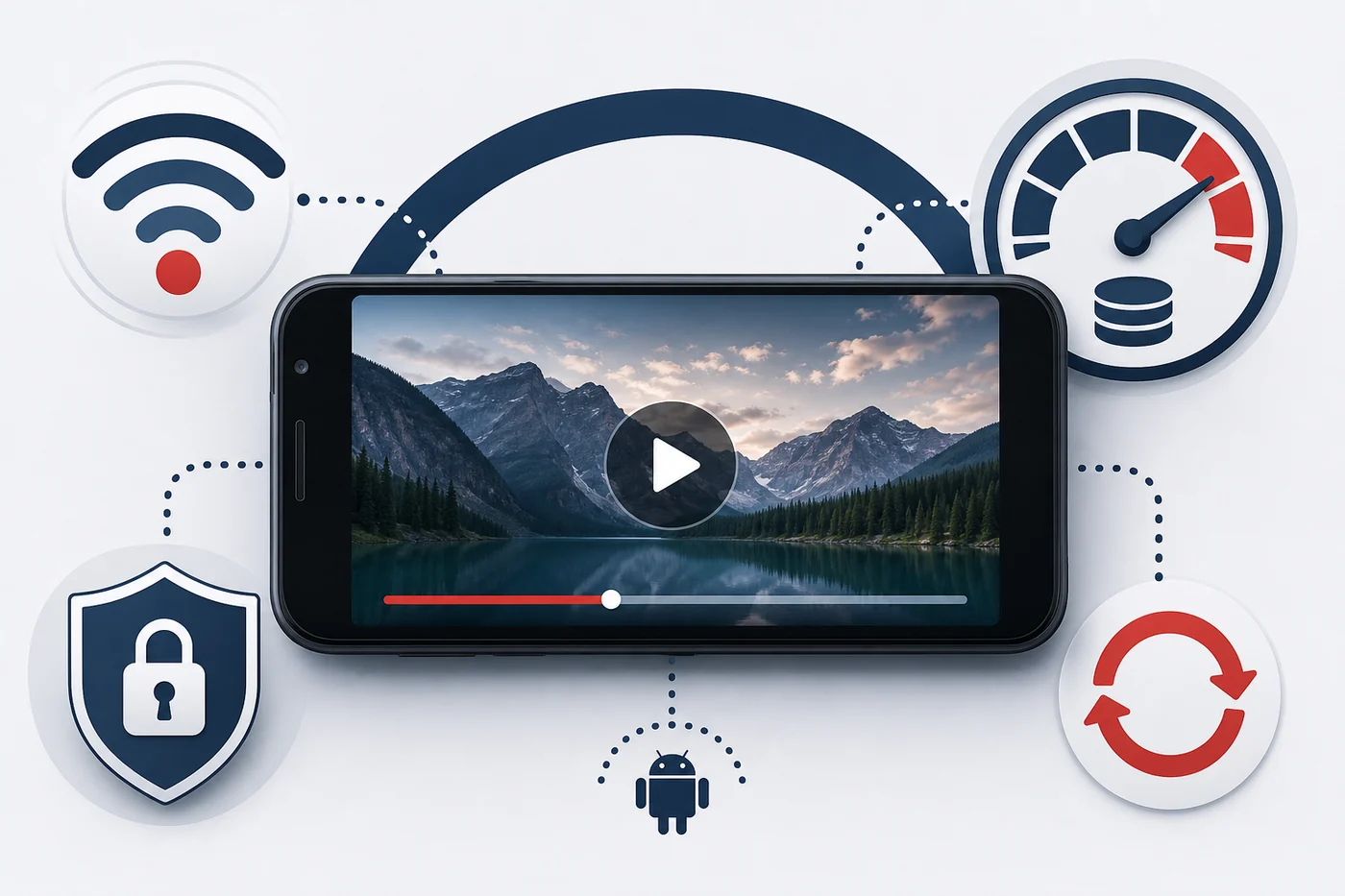
- Confirm the post is public and still available.
- Check network stability and available device storage.
- Review media and storage permissions for your Android version.
- Retry with a verified current VidMate build, not a modified APK.
- Use Facebook Save when a local file is unnecessary or unavailable.
Privacy, copyright, and sharing limits
Keep downloaded files private unless the license or creator clearly allows redistribution. Do not repost, remove attribution, sell copies, or upload the file elsewhere merely because VidMate produced it.
For work, school, publishing, or commercial use, keep written permission and the original source URL. If rights are unclear, link to the Facebook post instead of copying it.
Official references and safety sources
Use these first-party pages to verify platform rules, app sourcing, and Android protection.
Related VidMate guides
VidMate Facebook video download FAQ
Download only when the link, rights, and APK source all check out
Use a permitted public video, verify the APK source, choose a sensible format, and stop when privacy or platform restrictions block the file.
Check the latest VidMate APK details