Quick answer
VidMate 5.3602 is a version-specific Android APK query, not a separate Windows or iOS product. If your device already works with the latest VidMate APK, start there. Use 5.3602 only when you intentionally need that build, and check the source, file identity, Android requirement, permissions, and Play Protect warnings before installing.
Specific build
5.3602 should match the version label shown by the APK source and app installer.
Safety check
Avoid modified, cracked, premium-unlocked, or repacked files using the same version number.
Latest-first rule
Use the latest build for normal installs and 5.3602 as a documented fallback when needed.
What is VidMate 5.3602?
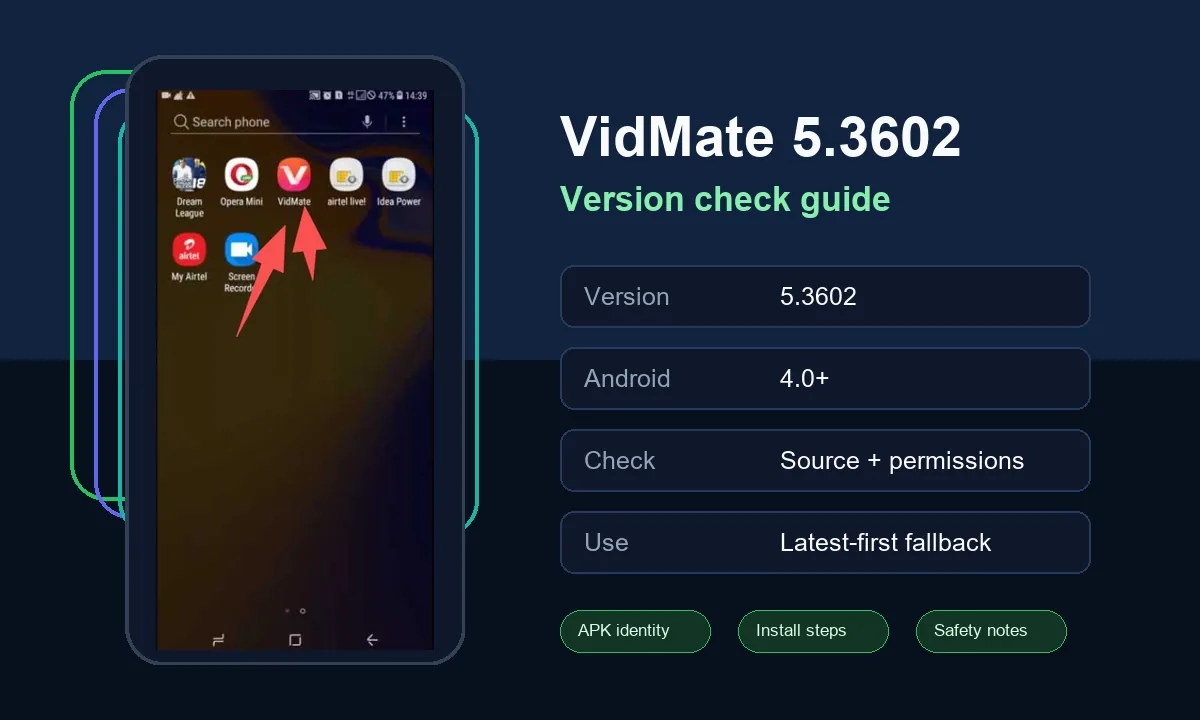
VidMate 5.3602 is best understood as a specific Android APK build. People search for the exact number when they saw it in an APK filename, an app listing, an update note, or a mirror page and want to know whether it is the right file to install. The number alone does not prove that a download is safe. It only tells you what the file claims to be.
A responsible install decision checks the version label together with the source page, package identity, file size, Android requirement, permission prompts, and warning screens. If any of those signals conflict, do not install the APK only because the filename includes 5.3602.
This page does not replace the main VidMate APK download page or the broader old-version guide. It narrows the decision to one version string so you can decide whether 5.3602 fits your Android device and your rollback reason.
When VidMate 5.3602 is a reasonable choice
Version-specific APKs are useful when you have a concrete reason. Maybe a device owner shared that 5.3602 worked on a similar Android phone, maybe the latest build introduced a problem on your device, or maybe you are checking whether an APK page matches the version currently promoted by this site. In those cases, a focused version guide is more useful than a long archive list.
Do not install 5.3602 just because a site says it is faster, unlocked, premium, or ad-free. Those claims often describe modified APKs. If your goal is normal VidMate use, a clean version with predictable permissions is safer than a file that promises extra features.
| Situation | Use 5.3602? | Why |
|---|---|---|
| Latest VidMate works on your phone | Usually no | The current build is the cleaner default for most users. |
| You need to verify a file labeled 5.3602 | Yes, for checking | Compare version label, source, and installer prompts before installing. |
| A recent update failed on your device | Maybe | Use 5.3602 only as a temporary rollback and retest later. |
| The file says mod or premium unlocked | No | Those labels suggest repackaging or altered behavior. |
| You use iPhone or iPad | No | APK files are Android packages and do not install on iOS. |
Safety checklist before installing VidMate 5.3602
The safest approach is to reject weak signals early. A page should clearly show the version number, Android compatibility, and what file you are downloading. The installer should not ask you to install extra apps, disable all protections, or grant permissions unrelated to a video downloader.
Keep Google Play Protect enabled. It is not a guarantee that every third-party APK is safe, but it is a useful Android protection layer for apps from outside Google Play. If Play Protect, your browser, or your file manager warns you strongly, treat that as a reason to pause.
- Confirm that the visible version is 5.3602 before and during installation.
- Prefer a clean APK over files labeled mod, cracked, patched, or premium unlocked.
- Check Android compatibility and storage space before uninstalling your current build.
- Read permission prompts and cancel if the app asks for unrelated access.
- Keep Play Protect and browser protection enabled during the install.
- Save the latest VidMate APK link so you can return if 5.3602 does not solve the issue.
How to install VidMate 5.3602 without losing your setup
Before changing versions, write down your current VidMate version, Android version, and the exact problem you are trying to solve. That short note helps you compare results after installing 5.3602 and prevents random switching between APK files.
Many Android devices block direct downgrades over a newer version. You may need to uninstall the current build first, which can remove app data. Move important downloaded media or settings before you start.
Record the current state
Note your Android version, current VidMate version, and the problem that makes you consider 5.3602.
Back up local files
Move important videos or music before uninstalling or replacing the app.
Install from a clear APK source
Use a page that identifies the version, file type, and Android requirement without forced bundles.
Test the exact workflow
Open search, preview, quality selection, download, conversion, and playback before treating the rollback as successful.
Troubleshooting VidMate 5.3602 problems
If 5.3602 will not install, the APK may be incomplete, incompatible with your Android version, blocked by device policy, or older than the build already installed. Check storage space, file extension, install permissions, and whether you need to remove the current version first.
If it installs but downloads fail, the problem may not be the APK version. Video platforms change access behavior, networks block requests, and Android storage permissions can break saves. Test with a small file and compare with the latest VidMate APK before deciding that 5.3602 is the right long-term build.
| Problem | Likely cause | What to do |
|---|---|---|
| App not installed | Downgrade blocked or bad APK | Back up data, uninstall current build if appropriate, and retry with a clean file. |
| Download stuck | Network, platform, or storage issue | Try another network, check storage, and test the latest build too. |
| Permission warning | Unexpected access request | Cancel if the permission does not match video download use. |
| Browser keeps redirecting | Weak APK mirror page | Leave the page and use a clearer source. |
File identity checks for a VidMate 5.3602 APK
A search result can rank for VidMate 5.3602 even when the file behind the button is not the same build. Before installing, compare the version label shown by the source page, the installer screen, and any file details your Android file manager displays. A mismatch is a reason to stop.
Also check whether the page tries to push a newer or unrelated APK while still using the 5.3602 keyword in headings. That pattern can confuse users and weaken the page intent. This guide keeps 5.3602 as a verification topic and sends general latest-version intent back to the main download page.
| Check | Pass signal | Stop signal |
|---|---|---|
| Version label | Source page and installer both show 5.3602 | Button or installer shows a different version |
| File behavior | Single APK download with clear Android requirement | Forced bundles, redirects, or extra installers |
| Intent fit | You need this exact build for verification or rollback | You only want the newest VidMate APK |
| Permission prompt | Storage and network access match downloader use | Unrelated sensitive permissions appear |
How this page differs from other VidMate guides
The homepage targets the main VidMate APK download intent. The Play Store guide explains why users may not find VidMate through Google Play. The old-version guide covers rollback decisions in general. This page is deliberately narrower: it helps searchers who already have the 5.3602 version number in mind.
That boundary matters for SEO and for users. A version-specific page can answer file identity, install, safety, and troubleshooting questions without changing the homepage title or diluting the old-version page. If you do not specifically need 5.3602, use the latest APK page or the old-version overview instead.
Official safety references
These official references support the Android safety advice used in this guide.
Related VidMate guides
VidMate 5.3602 FAQ
Use VidMate 5.3602 only when the version matters
If your goal is a normal install, start with the latest VidMate APK. If your goal is to verify or roll back to 5.3602, use a clean file, keep Android protections enabled, and test the exact problem you want the version to solve.
Check the latest VidMate APK