Quick answer
VidMate 2014 APK should only be considered for a narrow legacy-device reason, not as the default VidMate download. A 2014-era APK can be too old for modern video sites, Android storage rules, security expectations, and update paths. If your phone can run the latest APK or the current version-specific build on this site, use that first. If you still need a 2014 file, verify the source, file identity, Android warnings, and uninstall plan before installing anything.
Very old build
A 2014 APK is a legacy fallback, not a normal update path for most Android users.
Verify first
Source, file details, Play Protect warnings, and permissions matter more than the download button.
Prefer newer fallback
The safest old version is usually the newest older build that solves your device problem.
What does VidMate 2014 APK usually mean?
VidMate 2014 APK usually refers to an early Android package from the period when many video downloader apps were lighter, simpler, and built for older Android phones. Search results may describe it as VidMate 2014, old VidMate APK, oldest version, legacy APK, or a 2014 download. Those phrases sound specific, but they do not always prove that the file is authentic or useful today.
The main difference from a normal latest-version download is age. A 2014-era app may not understand modern Android storage behavior, newer website changes, current TLS requirements, or platform download restrictions. It may open on an older phone, but that does not mean every download workflow will still work.
This page does not treat VidMate 2014 as a recommended default download. It exists to help users separate three situations: a real legacy-device need, curiosity about an old interface, and risky download pages that use old-version wording to push modified or repacked APKs.
When a 2014 VidMate APK might make sense
A very old APK can make sense only when your Android device is also very old and the current build cannot install or run. For example, a phone with limited storage, an outdated Android version, or a broken update path may need a lighter fallback. Even then, the goal is to test the narrow compatibility problem, not to keep the oldest APK forever.
If your device supports the current VidMate APK listed on this site, start there. If you need a rollback but not a 2014-era file, use the broader old-version guide and choose the newest older build that fixes your issue. A newer legacy build is usually easier to verify and more likely to work with current websites than a file from 2014.
| Scenario | 2014 APK fit | Better first action |
|---|---|---|
| Old Android phone cannot install current APK | Possible fallback | Try the newest compatible old version first |
| You want the latest VidMate features | Poor fit | Use the current APK page |
| A download page says premium, no ads, or cracked | High risk | Use the MOD APK safety guide before installing |
| You only saw the 5.3602 version label | Wrong intent | Use the VidMate 5.3602 guide |
| You use iPhone or iPad | Not compatible | Use the iOS guide because APK files do not install on iOS |
VidMate 2014 APK vs current VidMate APK
The old-version decision is not only about file size. A current APK normally has a clearer update path, newer compatibility fixes, and fewer surprises around Android permissions. A 2014 APK may feel familiar or light, but it can also fail on modern video platforms or trigger warnings because the package is outdated.
Use the comparison below as a decision boundary. If the current APK works, there is little reason to install a 2014 file. If the current APK fails only because your device is old, test a legacy build carefully and keep a route back to a newer version.
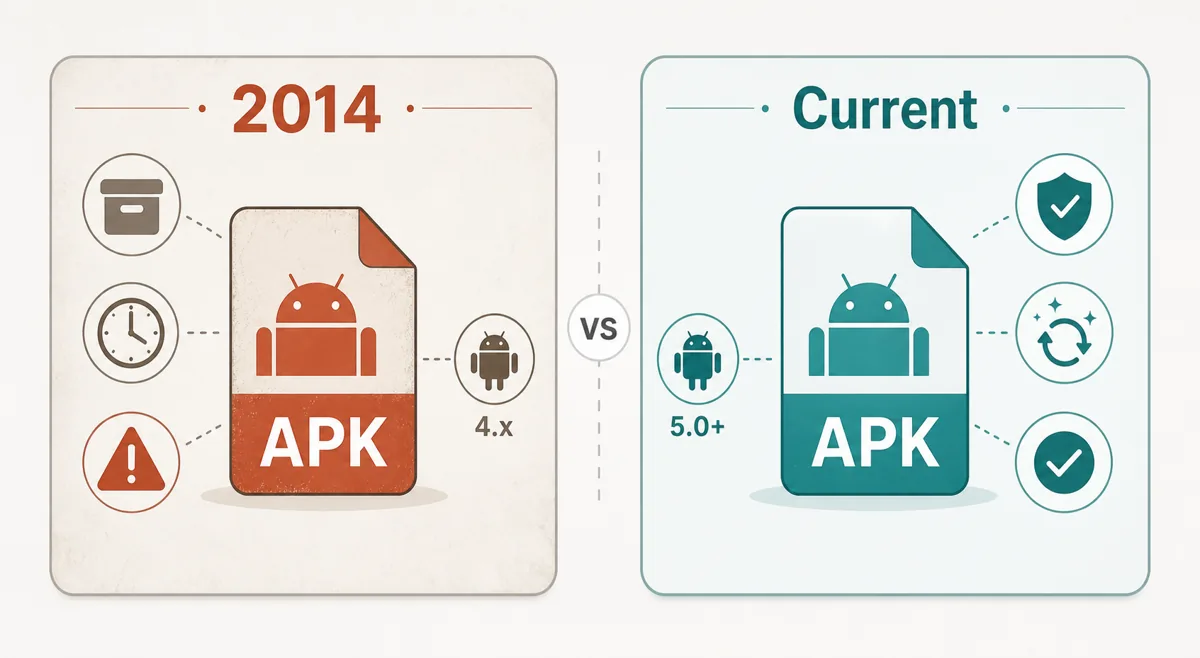
| Check | VidMate 2014 APK | Current VidMate APK | Decision |
|---|---|---|---|
| Compatibility | May run on older Android devices | Better fit for current Android behavior | Use 2014 only for a real legacy need |
| Website support | May fail with changed platforms | More likely to handle current services | Test the exact workflow you need |
| Security expectations | Older code and harder verification | Clearer update and warning context | Do not ignore Play Protect warnings |
| File source | Often mirrored by third-party archives | Usually easier to match with current page details | Avoid repacked or modded packages |
Safety checklist before installing VidMate 2014 APK
Treat a 2014 APK as a test file, not a trusted routine install. First, check whether the page explains the version, file size, Android requirement, and source. Second, compare the file name and installer label with the page. Third, keep Android security warnings enabled instead of disabling protections permanently.
Before downgrading, decide what you will do if the app fails. Back up local files where possible, know whether you need to uninstall a newer build first, and remove the legacy APK if it shows aggressive ads, unexpected permissions, or unrelated installer prompts.
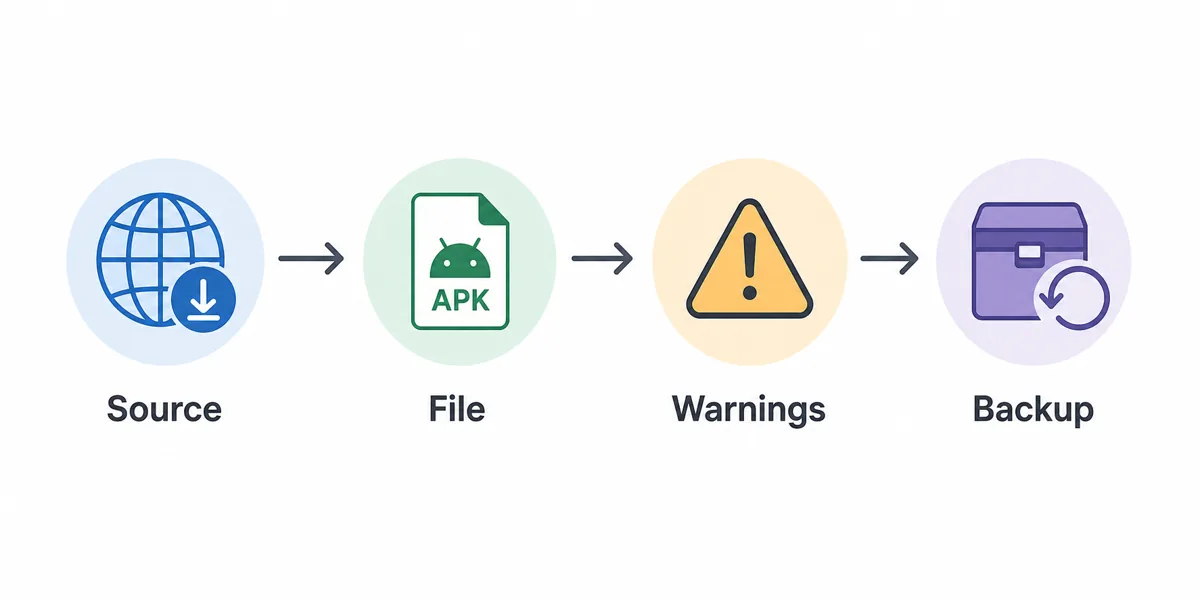
Check the source page
Look for clear version context, file details, Android requirement, and a reason the legacy file is offered.
Compare file identity
The file name, installer label, size, and version wording should agree before you tap install.
Respect warnings
Do not disable Play Protect, browser protection, or antivirus checks just because a mirror asks you to.
Plan rollback
Back up local data, uninstall carefully if downgrading is required, and return to a newer build when possible.
Red flags on VidMate 2014 download pages
Many pages mix legitimate old-version wording with risky claims. Be especially careful when a VidMate 2014 download page promises premium unlocked, no ads, cracked, patched, ultra-fast, or anti-ban features. Those phrases usually mean the APK may have been changed after release.
Also avoid pages that hide the actual version number, require unrelated installer apps, or say the APK works on iPhone, Windows without an emulator, or every smart TV. A 2014 Android APK has platform limits, and a trustworthy page should not pretend otherwise.
- Do not install files that require you to disable every security warning.
- Avoid bundles that install a cleaner, VPN, game launcher, or browser before VidMate.
- Skip pages that use 2014 wording but show a different app name or package behavior.
- Avoid APKs promoted as modded, cracked, no-ads, or premium unlocked.
- Do not use a 2014 APK for iPhone, iPad, or non-Android smart TV installs.
Better alternatives to a VidMate 2014 APK
If your search started with VidMate 2014, pause and identify the real problem. If the latest APK works, there is no need to downgrade. If the issue is a failed update, use the old-version guide. If a file name shows 5.3602, use the dedicated version guide. If you are worried about permissions or source trust, use the safety guide before installing anything.
Keeping those intents separate prevents the most common mistake: installing a very old file when a safer, newer, and better-documented path would solve the same problem.
| Your real need | Best page | Why |
|---|---|---|
| Normal Android install | Latest VidMate APK page | Current build should be the first option |
| Rollback after a bad update | VidMate old version guide | Choose a newer legacy build first |
| Exact version check | VidMate 5.3602 guide | Keeps file identity separate from 2014 claims |
| Permission or safety concern | Is VidMate Safe? | Focuses on source, permissions, and warnings |
| No-ads or premium claim | VidMate MOD APK guide | Modified files need a separate risk review |
Authoritative safety references
Use these Android and Google references when deciding whether to install old APK files from outside an app store.
Related VidMate guides
VidMate 2014 APK FAQ
Use VidMate 2014 only as a narrow legacy fallback
A VidMate 2014 APK may help a small group of users with very old Android devices, but it is not the safest default. Start with the current APK, use the old-version guide for normal rollback decisions, and install a 2014-era file only when the source and Android warnings make sense.
Check the latest VidMate APK