
Quick answer: do not assume a VidMate-named Chrome extension is official
The official VidMate site checked on July 30, 2026 presents VidMate as an Android video and music downloader and links to an APK source; it does not identify a Chrome extension publisher. Chrome Web Store listings using the VidMate name show their own developers and functions. One current listing was offered by Nextmob as version 2.0.0, updated May 21, 2026, while another listing was offered by deepaksx as a video table-of-contents and summary tool. Treat each extension as a separate third-party product unless VidMate's official site links to that exact store ID.
Publisher first
Match the store developer, website, support email, privacy policy, and exact extension ID—not just the displayed name.
Purpose may differ
A namesake extension may download page media, summarize videos, show update notices, or do something unrelated to the Android app.
Android remains separate
The verified official VidMate page lists Android APK version 6.0229, dated July 21, 2026, and publishes no file size.
Is there an official VidMate Chrome extension?
No official-source evidence found in this review connects the VidMate Android publisher to a specific Chrome Web Store item. The official VidMate homepage and download page describe an Android APK, installation through Android settings, supported media sites, and version 6.0229. They do not name a Chrome extension, extension ID, Chrome Web Store developer, or desktop browser support channel.
That distinction matters because Chrome Web Store titles are not unique proof of ownership. Search results currently surface more than one product called VidMate. The listing with ID ijdifebdlbmlmimjpcbfhieaonbelkeo is offered by Nextmob and describes a general page-video downloader. The listing with ID naakabibdnnhdfciclgdjioceikfcijj is offered by deepaksx and describes a table-of-contents and summary generator. Neither developer identity matches the ownership evidence shown on the official Android source reviewed for this page.
This does not prove that either extension is malicious. It means the safe conclusion is narrower: they are separate store products whose claims, permissions, privacy practices, support, and update history must be evaluated on their own. Do not call one an official VidMate browser add-on unless the official VidMate website publishes the same store URL and extension ID.
| Check | Official VidMate Android source | Chrome Web Store namesakes |
|---|---|---|
| Primary platform | Android APK | Desktop Chrome extension |
| Verified version | 6.0229, dated July 21, 2026 | Varies by listing; verify on the store |
| Publisher evidence | Official VidMate website | Store developer name and extension ID |
| Download route | Official source page fallback | Chrome Web Store listing only |
| Safe assumption | Android product information | Separate third-party product until linked officially |
Check the exact store listing, not the VidMate name
Start with the permanent extension ID in the Chrome Web Store URL. Names, icons, screenshots, ratings, and descriptions can change; the ID is the stable reference that lets you compare the store page, installed extension details, permission changes, and support records. Record the developer name and the date you checked it.
Next, open the developer website and privacy policy from the store—not from an advertisement or a copied download page. Confirm that the domain, support email, product purpose, and privacy statement agree. A polished store description is useful context, but it is not independent proof that every privacy or performance claim is true.
Finally, read recent reviews for repeated reports of redirects, injected buttons, unexpected tabs, login prompts, permission expansion, or functionality changes. Ratings alone are weak evidence: a small number of reviews, an ownership change, or a major permission update can alter the risk profile after older ratings were posted.

- Match the full Chrome Web Store URL and extension ID.
- Verify the developer name, support email, website, and privacy policy.
- Compare the stated purpose with the permissions requested at installation.
- Check the last update date and whether permissions changed recently.
- Avoid CRX or ZIP mirrors when the store listing is available.
- Do not enter VidMate, Google, social-media, or payment credentials into an unverified extension.
How to judge VidMate extension permissions
Permission risk depends on the task. A downloader that detects media across pages may ask to read page content or access many sites, but that reach also gives it broad visibility into browsing activity. A summary tool may need access to the active video page, yet it should explain why each host or data category is necessary. The right question is not whether a permission sounds technical; it is whether the permission is proportionate to the visible feature.
Pay particular attention to access on all websites, browsing history, downloads, clipboard data, location, user activity, and the ability to change page content. Read Chrome's disclosure panel and the extension's privacy policy together. If the page promises local processing but the permission list or network behavior suggests external services, pause until the developer explains the difference.
Chrome Web Store disclosures are developer statements, not guarantees. Keep Chrome and the extension updated, remove unused add-ons, and review permissions again after major version changes. If an extension suddenly asks for broader access than before, disable it while you investigate.
VidMate for Chrome is not the same as VidMate for Android or PC
The official VidMate product reviewed here is an Android APK. It runs as a mobile application, handles media inside its own interface, and requires Android installation permissions. A Chrome extension runs inside a desktop browser and can observe or modify web pages according to its declared permissions. Installing one does not install the other, and an extension cannot be assumed to provide the Android app's features.
For Windows users who specifically want the Android app experience, the existing VidMate for PC guide explains emulator-based use and its limitations. That path is heavier than a browser extension but preserves the Android-app model. Users who only need to save a permitted file should first use the platform's own download or save feature when available; it reduces permissions, account exposure, and compatibility surprises.
Do not sideload a CRX or unpacked ZIP merely because a webpage calls it VidMate for PC. Chrome Web Store removal, unavailable downloads, old versions, and third-party mirror packages are signals to slow down, not instructions to bypass the store.
| Option | Runs on | What to verify | Best fit |
|---|---|---|---|
| VidMate Android APK | Android | Official source, version, installer identity, permissions | Users who need the mobile app |
| Chrome extension with VidMate name | Desktop Chrome | Store ID, developer, purpose, permissions, privacy | Only when the exact listing earns trust |
| Android emulator | Windows or macOS | Emulator source, APK source, storage and account isolation | Users who accept extra setup |
| Platform save/download | Website or official app | Platform rules and file rights | Preferred when the feature exists |
A safer decision process before installing
Use the following process even when the store rating looks strong. It separates identity, necessity, permissions, and recovery so that a familiar name does not make the decision for you.
Define the exact task
Decide whether you need page-video detection, a video summary, update notifications, or the Android VidMate app. Different tasks require different products.
Verify identity and version
Save the store URL, extension ID, developer name, version, update date, website, and privacy policy. Compare them with the official VidMate site.
Minimize permissions
Prefer an option that works on selected sites or on click instead of permanent access to every page, when Chrome offers that control.
Test without sensitive sessions
If you still proceed, avoid signing into banking, work, creator, or administrator accounts in the same test profile.
Recheck after updates
Review new permissions, developer changes, recent complaints, and functionality after every major update.
How to remove a VidMate-named extension safely
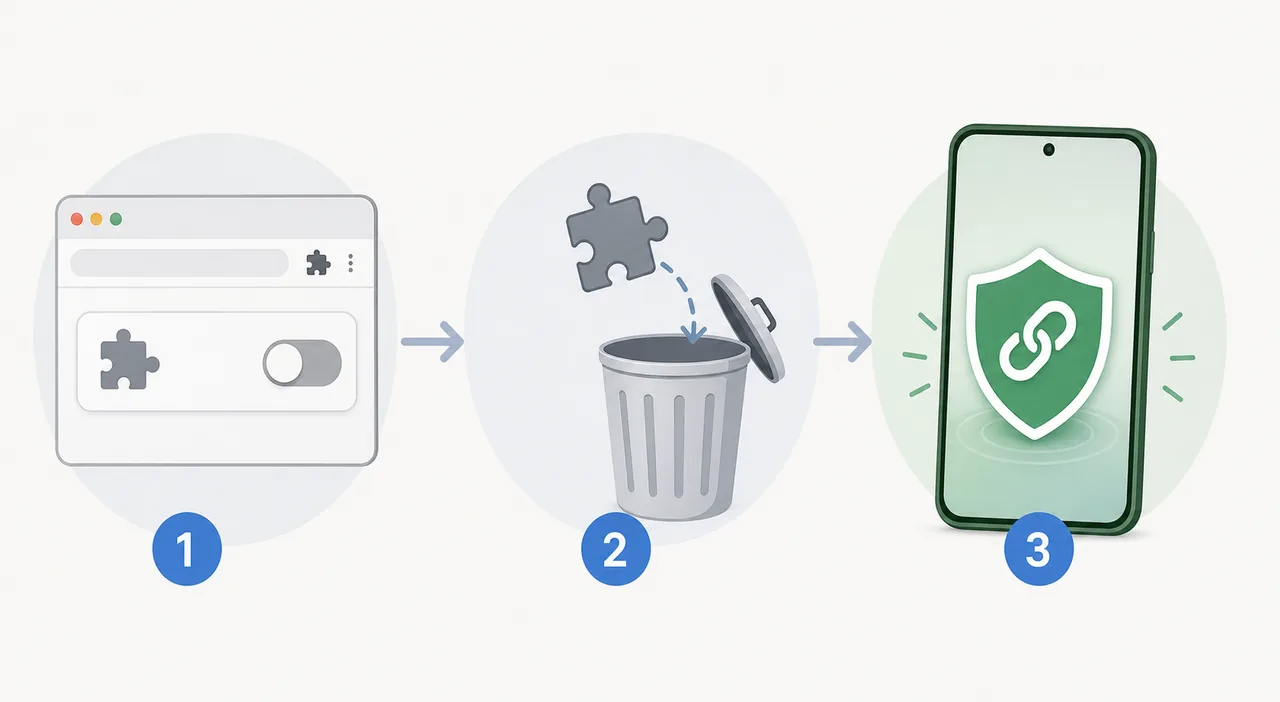
If the extension behaves unexpectedly, disable it first from Chrome's Extensions page, then remove it. Restart Chrome and check whether redirects, injected download buttons, pop-ups, or unexplained search changes stop. Review the extension details page for its exact ID before removal so you can document which item was installed.
After removal, clear only the site data connected to affected services when needed; deleting all browser history is rarely necessary. Revoke unfamiliar account sessions and change passwords only when you entered credentials into the extension, granted account access, or observed a credible compromise signal. Run the browser's built-in safety check and your operating system's trusted security scan.
If you still need VidMate, return to the official Android source page rather than a CRX mirror. The official page currently lists APK version 6.0229 dated July 21, 2026, does not publish a file size, and the direct APK endpoint could not be independently verified from this environment because it rejected standalone requests. For that reason, this guide links to the official page instead of claiming a verified file direct link.
Legal, platform, and download limits
A technical download button does not grant permission to copy a video. Follow the platform terms, copyright rules, privacy settings, and the creator's license. Prefer built-in offline viewing, export, or save controls when available, and do not bypass paywalls, access controls, DRM, private audiences, or account restrictions.
This page verifies public product information, not the internal code or future behavior of every extension with the VidMate name. Store versions, owners, permissions, ratings, and disclosures can change after the check date. Revisit the live Chrome Web Store listing before installation.
Primary sources checked
Use live first-party pages to confirm current product identity, permissions, and version details.
Related VidMate guides
VidMate Chrome extension FAQ
Verify the product before you trust the name
A VidMate label in Chrome is not enough. Match the extension ID and developer, review permissions and privacy disclosures, avoid CRX mirrors, and use the official Android page when you actually need the VidMate APK.
Open the official VidMate source page